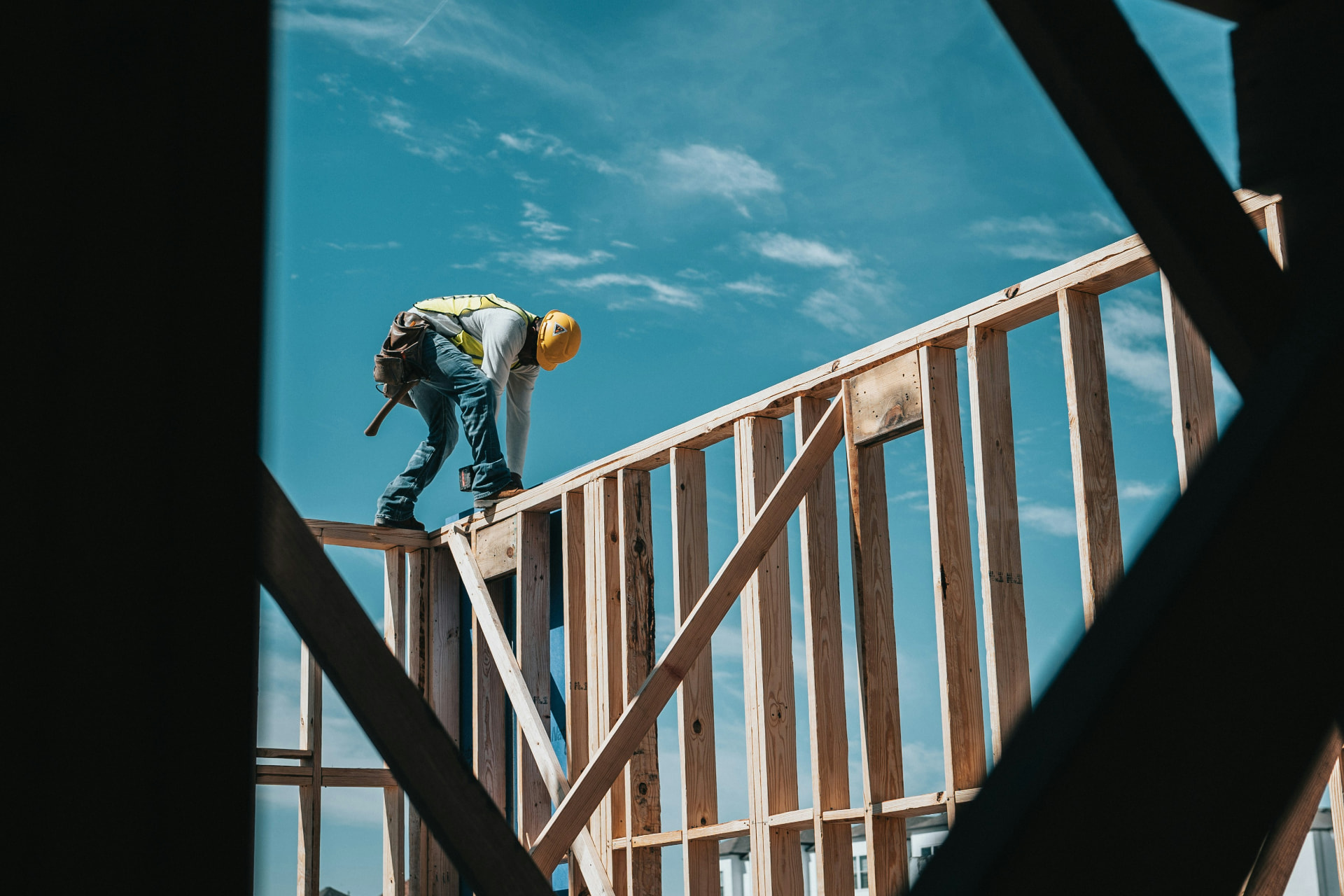
Construction and Trades · Calgary & Alberta
IT for Construction and Trades
Your crew can be ready to work and still be waiting on IT. We help keep information moving between the office and the job site, with proactive support for people who make, maintain, or move.
A different way to look at IT
A running computer doesn't mean a productive crew.
Most IT conversations start with equipment and support tickets. In construction and trades, that's only part of the picture. Your revenue depends on getting people to the right job with the information they need, then getting the completed work back to the office.
A computer can be healthy while that process is slow. Staff may be forwarding files from personal phones, chasing missing job notes or driving back to the office to update a record. Those workarounds keep things going, so they rarely look like an outage. They're still taking time out of the day.
Instead of asking only how quickly your IT provider fixes problems, look at where information holds up paid work. That's a more useful starting point for deciding what your technology should do.
The proof is in the pudding. And sometimes in the praise.


The cost beyond the support bill
Small delays can follow the job all the way to the invoice.
For a contractor working to a quoted price, extra time can eat into the margin already allowed for the job. For a service business, admin that follows technicians home can slow the next booking or the bill. The effects depend on how you charge and how your work is organised.
A crew waiting for information
The latest drawing won't open on site. Your supervisor calls the office and waits for someone to send it another way. The connection problem is small on an IT report. The paid time sitting behind it isn't.
Labour time is spent waiting instead of progressing the job.
Work done from an old revision
A change reaches the office but not the crew. People work from a saved attachment because that's what they can access. Finding the mistake later can mean returning to work you thought was finished.
Rework uses hours and materials you hadn't planned to spend.
Job records arriving late
Technicians can't submit notes or photos while they're out. The office has to chase them before it can finish the paperwork. A completed job can sit waiting for the information needed to invoice it.
The gap between finishing work and billing for it grows.
Quoting interrupted at the wrong time
Your estimator can't reach pricing or open the estimating application near a deadline. Even after access is restored, the lost preparation time still has to come from somewhere.
Your team has less time to check the quote and get it out.
Your industry from an IT perspective
The office and the field need to work as one business.
Your information moves through estimating, scheduling and field work before it reaches the people handling billing. Different staff may use different applications along the way. A missed handoff can matter as much as a failed computer.
You also work in places a standard office setup wasn't designed for. Temporary trailers, changing sites and technicians moving between customer locations bring different connection needs. Staff need practical access on the devices they use, without opening business information to everyone who happens to be on site.
We look at that whole working day. The goal is to find the point where technology is creating extra work and address it, rather than simply replace equipment and hope the process improves.
What to expect from your IT partner
Support needs to fit the work, not just the office.
A managed service provider (MSP) looks after technology for other businesses. The label alone doesn't tell you how well they understand field work. These are gaps to watch for in an office-first or reactive support arrangement, and how we approach them.
Support starts when someone opens a ticket
Our approach
We monitor and maintain the systems in our agreed scope, and plan updates before they become urgent. We also ask about recurring interruptions that people have stopped reporting. Not every problem can be prevented, but waiting for a breakdown shouldn't be the whole plan.
The office works, so the job is considered done
Our approach
We include field access in the conversation. A drawing needs to open where the crew works, not just at an office desk. We review site connectivity and the head office connection together, including what changes when a crew moves to another location.
An application issue gets passed between suppliers
Our approach
We help identify whether the fault is in a device, connection or application and coordinate with the relevant supplier. Your staff shouldn't have to explain the same job-stopping problem to several companies without knowing who's taking the next step.
Recommendations ignore the job schedule
Our approach
We ask about project start dates, busy periods and the life of temporary sites. Equipment purchases and disruptive changes need to fit those realities. We'll explain what needs attention now and what can be planned for later.
Made for people who make, maintain, or move
Start with the work you need to get done.
You don't need a shopping list of technology. You need to know what is holding people up and which change is worth paying for. We connect the work you want to improve with the IT support it needs, then agree the scope with you.
Get information to the crew
We review how drawings, job instructions and updates reach people in the field. That includes remote site connectivity and a clear home for current files. Cloud tools store information online; protected access to head office can also make sense. We recommend the approach around your existing software and locations.
Remote Site ConnectivityKeep the working day moving
We look after agreed computers and business systems, keep updates planned and help staff when something isn't working. We ask which interruptions stop a crew and which can wait, so support has the context to understand the impact of a problem.
Managed IT ServicesProtect access to project information
We review who can access business files and how accounts are removed when people leave. Multi-factor authentication adds a second sign-in check to a password. We also look at payment-related email and access to customer records without making every useful tool harder for the crew to use.
CybersecurityKnow how work could resume
Backups need to cover the information your business depends on. We review what is saved and how it can be restored, then discuss which work needs to come back first. The plan should explain the limits, including the time and equipment recovery may need.
Back-Up & Disaster RecoveryRelated reading
News for construction and trades
All NewsThese articles look at remote access and business security. Both matter when your crew needs to reach company information away from the office.

Ch-ch-ch-ch Changes
Back when I launched the company, “LAN” stood for “Local Area Network,” an acronym that’s had its day. Local is now global, and that’s opened up a world of opportunities in the way we and our clients work together.

Cybersecurity Blind Spots: What Business Leaders Often Miss
Cybersecurity risks often hide in everyday blind spots like forgotten accounts, shadow IT, and misconfigured access. This article highlights the gaps businesses overlook and how leadership can help strengthen overall security.
Deciding what to change
Follow one job from quote to payment.
Pick a recent job that took more effort than it should have. Ask where someone waited for information, copied it into another system or chased an update. Include the people doing the work, not just the people managing it.
We can review those handoffs with you and separate connection problems from access or application issues. Then we help you choose what to address first. A change should have a clear reason, an understood cost and a way to check whether it helped.
Afterwards, we look at the work again. Can the crew open the current drawing? Can the technician submit the record? Does the office have what it needs to invoice? Those are useful checks alongside the technical ones.
Frequently asked questions
Construction and trades IT FAQ
01Why does a construction or trades company need different IT support?
Your work happens away from a desk. Crews move between sites, technicians work at customer locations and temporary offices come and go. Standard office IT support often stops at the head office network. We look at the whole working day, including how drawings, job records and updates reach people in the field and get back to the office for billing.
02How does IT affect revenue for a contractor or trade business?
The connection is usually indirect, which is why it gets missed. A crew waiting for a current drawing is paid time not progressing the job. Work done from an old revision can mean unplanned rework. Job records that arrive late hold up invoicing. Each delay is small on its own, but together they eat into the margin you quoted for the work.
03Can you connect temporary job sites and construction trailers?
Yes. Remote site connectivity is a regular part of what we do for construction and trades clients. We review the site, how long it will run and what the crew needs to reach, then recommend a practical setup. That can mean internet at the trailer, protected access to head office systems or cloud tools your team can open from anywhere.
04Our office IT works fine. Why would we change anything?
A healthy office network doesn't tell you much about the field. Staff may be forwarding files from personal phones, saving old attachments or driving back to update records. Those workarounds keep jobs moving, so they don't show up as outages. We look for where information holds up paid work, not just where a computer has failed.
05What should we look for in an IT provider for our industry?
Ask how they handle field access, temporary sites and the applications you rely on for estimating, scheduling and job records. Ask what happens when a problem sits between your internet provider and a software vendor. A provider who plans around your project schedule and asks how your crews actually work will usually be more useful than one who only answers tickets.
06How do you keep project information secure without slowing crews down?
We start with who needs access to what. Multi-factor authentication adds a second sign-in check to a password, which protects email and files if a password leaks. We also review how accounts are removed when people leave and how payment-related email is handled. The goal is protection your crew can live with, not barriers that push people back to personal phones.
07What happens to our job records if something fails?
That depends on your backup setup, which is why we review it with you. Backups need to cover the information your business depends on, including job records, drawings and financial data. We look at what is saved, how it can be restored and which work needs to come back first, then explain the limits honestly, including the time recovery may need.
08Do you support construction and trades companies outside Calgary?
Yes. We're based in Calgary and support organizations across Alberta. Many issues can be handled remotely, and we coordinate onsite visits or project work when physical access is needed. That includes remote job sites, developments outside the city and mobile technicians working across a service area.
Start with a conversation
Tell us where work is getting held up.
Bring us the connection that keeps dropping, the job records that arrive late or the files people can't reach on site. We'll help you understand what's happening and work out practical next steps.