
Networks, Wi-Fi & Firewalls · Calgary & Alberta
Networks, Wi-Fi & Firewalls
Slow connections cost you working time. We help your people reach the files and business tools they need, with Wi-Fi that covers the places they work and a firewall that controls access to your network.
Your business connection
What makes up a business network?
A business network connects your computers, printers and other equipment to each other and to the internet. Some connections use cables. Wi-Fi lets devices connect wirelessly. A firewall controls traffic coming into and leaving that network, allowing the connections your business needs and restricting others. Each part has a different job, but your staff experience them as one thing: can they get their work done?
When a connection gets slow, people often assume the internet plan needs an upgrade. Sometimes it does. But a weak wireless signal, ageing equipment or a busy connection inside the building can cause the same symptoms. Paying for a faster internet package won't fix every one of those problems. We check where the delay starts before recommending a purchase.
For Calgary and Alberta businesses, the cost usually shows up in ordinary work. A video call drops while you're talking to a client. Warehouse staff wait for an order screen to load. Someone walks across the office to send a file. A few minutes at a time can become a regular drain on the working day, especially when staff have learned to work around it rather than report it.
We help plan, maintain and support business networks around those tasks. That includes checking the equipment you already have, reviewing wireless coverage and setting up firewall rules that fit your work. We explain the recommendations in business terms, including what you can keep, what needs replacing and what should wait. The aim is a connection your people can use, not a bigger equipment bill.
What changes for you
More working time, less waiting
Fewer interrupted conversations
We check the connections your calls and meetings depend on. Finding coverage gaps or congestion can help reduce dropped calls and the repeat conversations that follow. We test the areas people actually use, including meeting rooms.
Less waiting to finish a task
Opening a shared file or entering an order shouldn't regularly hold up the next step. We look for the part of the connection causing the delay, so improvements address the work being slowed down rather than just a speed test.
Clearer control over access
Visitors don't need the same access as employees. We can separate guest Wi-Fi from business systems and review firewall permissions. That helps limit who can reach company information without making everyday access harder than it needs to be.
Better-informed spending
You get an explanation of the equipment's condition and the changes that matter. We help you plan replacements around business needs, rather than replace everything because one room has a poor signal.
The connection behind the work
Your staff shouldn't need to move desks to finish a call or wait for everyone else to stop working before they can open a file.
What’s included
What we look after
We agree the scope with you after reviewing your location and the tools you use. An office with a few meeting rooms has different needs from a busy warehouse or a building shared with visitors. These are the areas we look at together.
A review of your network
We check how your equipment connects, where it sits and which business tasks depend on it. We ask staff about recurring problems and look for patterns, including problems that only happen at busy times. You get a clearer picture of what you have before deciding what to change.
Wi-Fi coverage where staff work
We review where the wireless signal reaches and where it struggles. Walls, building materials and nearby equipment can affect coverage. An access point is the device that provides Wi-Fi to an area. We look at placement and capacity, rather than assume adding more access points will solve the problem.
Wired connections and equipment
Some work is better served by a cable connection. We review network switches, which link wired devices, along with the connections to desks and business equipment. Where cabling work is needed, we help coordinate the requirements. A working cable doesn't always mean it supports the speed or reliability the task needs.
Firewall setup and maintenance
We review the firewall's settings and the connections your business needs to allow. We also look at updates and how changes are recorded. A firewall needs ongoing care; installing one isn't the end of the job. We help keep permissions aligned with the way your business works.
Separate access for guests and devices
We can separate guest Wi-Fi and certain business devices from the systems that hold company information. Network segmentation is the term for dividing access this way. We explain what should be separated and why, taking account of the equipment that still needs to communicate for work to happen.
Protected access away from the office
If approved staff need to reach office systems from elsewhere, we review how that access is provided. A VPN is an encrypted connection back to the business network. We check access permissions and the sign-in process, including a second identity check where appropriate, rather than leave remote access open to everyone.
A plan for internet interruptions
We help assess a second internet connection if losing service would stop important work. The backup needs to support the tasks you expect to keep running. We review provider availability and costs, and explain the limits. Two connections aren't automatically independent if they rely on the same infrastructure.
Documentation and ongoing support
We document the agreed setup so support doesn't depend on one person's memory. When staff report a problem, we help trace it across the device, local network and internet connection. We also review changes as you add people or equipment, so the network doesn't gradually fall behind the business.
The people you work with
We check where the work happens
The office floor plan is a starting point. We also ask where staff use their devices, which jobs need a steady connection and what happens during your busiest hours. Those details help us recommend changes worth paying for.


The LAN partnership
A team that looks at the whole connection
Your staff shouldn't have to decide if a fault belongs to the internet provider, the Wi-Fi equipment or their laptop before asking for help. We work through the connection and coordinate with the provider when the issue sits outside the equipment we manage. It gives you a place to start instead of a list of companies to call.
We also ask what a change would interrupt. Moving network equipment or updating a firewall can affect the office, so we plan the work with you and discuss the timing before proceeding. After a change, we check the tasks that matter to your people. An order submitted or a file opened is a more useful check than a light on a box.
You'll hear why we're recommending something and what it means for your budget. If the existing equipment can do the job with a settings change, that belongs in the conversation. If equipment is no longer supported or can't handle the work, we'll explain that too. You can make a decision without having to become a network specialist.
How it works
From connection problems to a workable plan
Discover
We ask where staff lose time and which jobs need a dependable connection. We review the location, equipment and plans for the business, including any upcoming move or expansion.
Assess
We check coverage, connections and access settings. You get recommendations with the reasons behind them, so you can separate urgent work from improvements that can be planned later.
Improve
We carry out the agreed changes and test the tasks your staff use. We coordinate timing with you and record the setup so future support has something reliable to work from.
Maintain
We look after the agreed equipment and help with connection problems. As people, devices or locations change, we review whether the setup still fits the work.
Who we work with
When your network needs attention
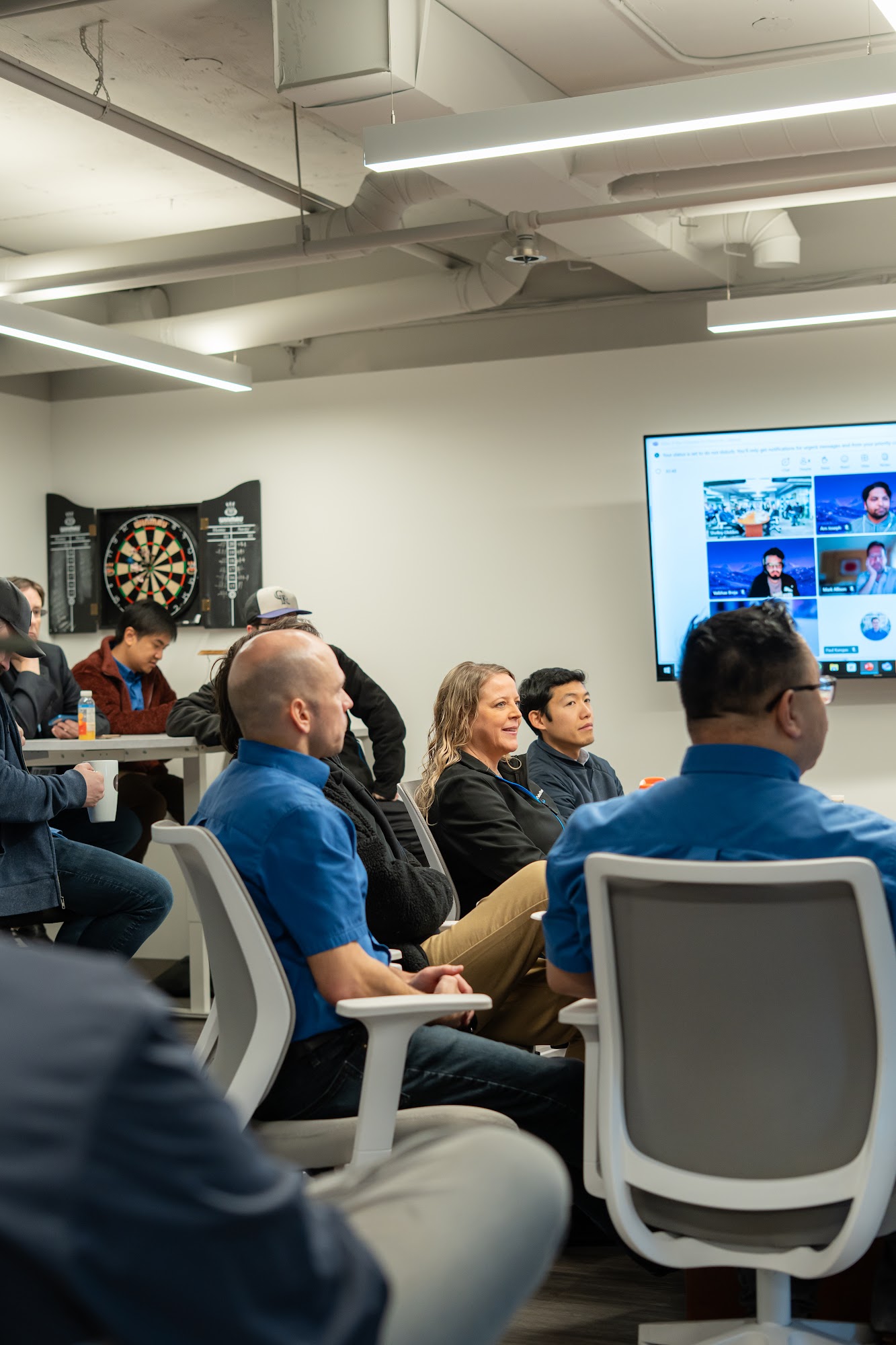
This service fits businesses where slow or unreliable connections have become part of the working day. Staff may have favourite desks where Wi-Fi works, or a meeting room they avoid for calls. Those workarounds are useful clues. We help you understand what causes them and what it would take to remove them.
It's also worth reviewing the network before an office move, a warehouse expansion or a larger hiring round. More floor space and more devices change what the connection needs to handle. Planning before the move can avoid discovering a coverage gap after everyone has unpacked.
Some businesses have an internal IT person who needs help with network planning or firewall work. Others want a team to look after the setup on an ongoing basis. We discuss responsibility and scope with you, including how network support fits with the rest of your IT. You'll know what we're taking on and where another provider remains involved.
Frequently asked questions
Networks, Wi-Fi & Firewalls FAQ
01How is business Wi-Fi different from home Wi-Fi?
Business Wi-Fi often needs to serve more devices across a larger space, with separate access for guests and staff. The right setup depends on your building and the work being done. We review coverage and demand before recommending equipment.
02Will a faster internet plan fix slow Wi-Fi?
Only if the internet connection is the part causing the delay. Poor signal coverage or overloaded local equipment can remain a problem after an upgrade. We check the connection inside and outside your building to find where the work is slowing down.
03What does a firewall do for a business?
A firewall controls network traffic according to agreed rules. It can restrict unwanted connections and allow approved access to business systems. It needs updates and regular review, and works alongside other security measures rather than replacing them.
04Can guests use Wi-Fi without accessing our company files?
Yes. Guest Wi-Fi can be separated from your business network. We review how it's configured and which systems visitors can reach. Equipment and permissions need to be checked; a different Wi-Fi name alone doesn't establish that separation.
05Can you improve Wi-Fi in a warehouse or workshop?
We can assess the space and recommend a setup for the work being done. Metal shelving, equipment and building materials can affect the signal. Coverage and performance need to be checked at the location, especially where staff use handheld devices.
06Do we need a backup internet connection?
It depends on what stops working during an outage and how much that interruption costs. We help compare the available options with those business needs. A backup also needs testing, and its capacity may be different from your main connection.
07Will you need to replace all our network equipment?
Not necessarily. We review its condition, support status and ability to handle the work. Some problems can be addressed through configuration or placement. We explain what can stay and why any replacement is being recommended.
08Do you support networks in Calgary and across Alberta?
We help Calgary and Alberta businesses plan and support networks, Wi-Fi and firewalls. The scope and any on-site work depend on your location and requirements. Tell us where your people work and what isn't working, and we'll discuss the next steps.
Start with a conversation
Tell us where you're losing time
If calls drop or staff keep reporting slow connections, let's look at what's happening. We'll explain what needs attention and help you decide what to do first.